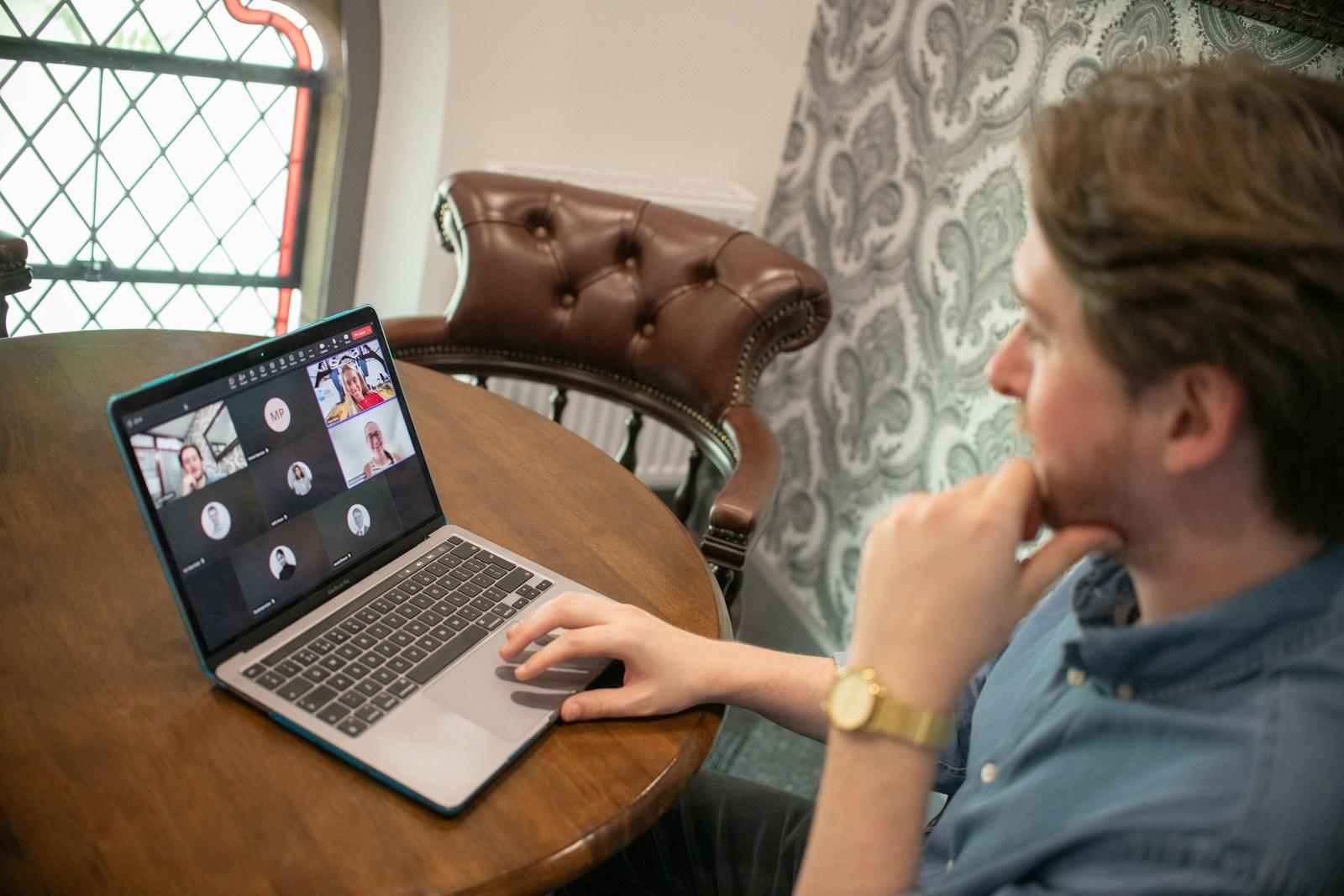
A video interview is the same interview, with more things that can go wrong before you say a word. The good news is that nearly all of them are fixable in ten minutes, and nobody is marked down for a camera that sits at the right height. Here is what to check, in roughly the order it matters.
Sound comes first
People will forgive a dim picture and not a muffled voice. Use a headset or earphones with a microphone if you can, because a laptop microphone picks up the room, the fan and your keyboard. Record ten seconds of yourself talking and play it back. If it sounds hollow, move closer to the microphone or away from hard, bare walls.
Close the windows if there is traffic, tell the people at home when the interview is, and put your phone on silent, not vibrate: a buzzing phone on a desk is loud.
Put the camera at eye level
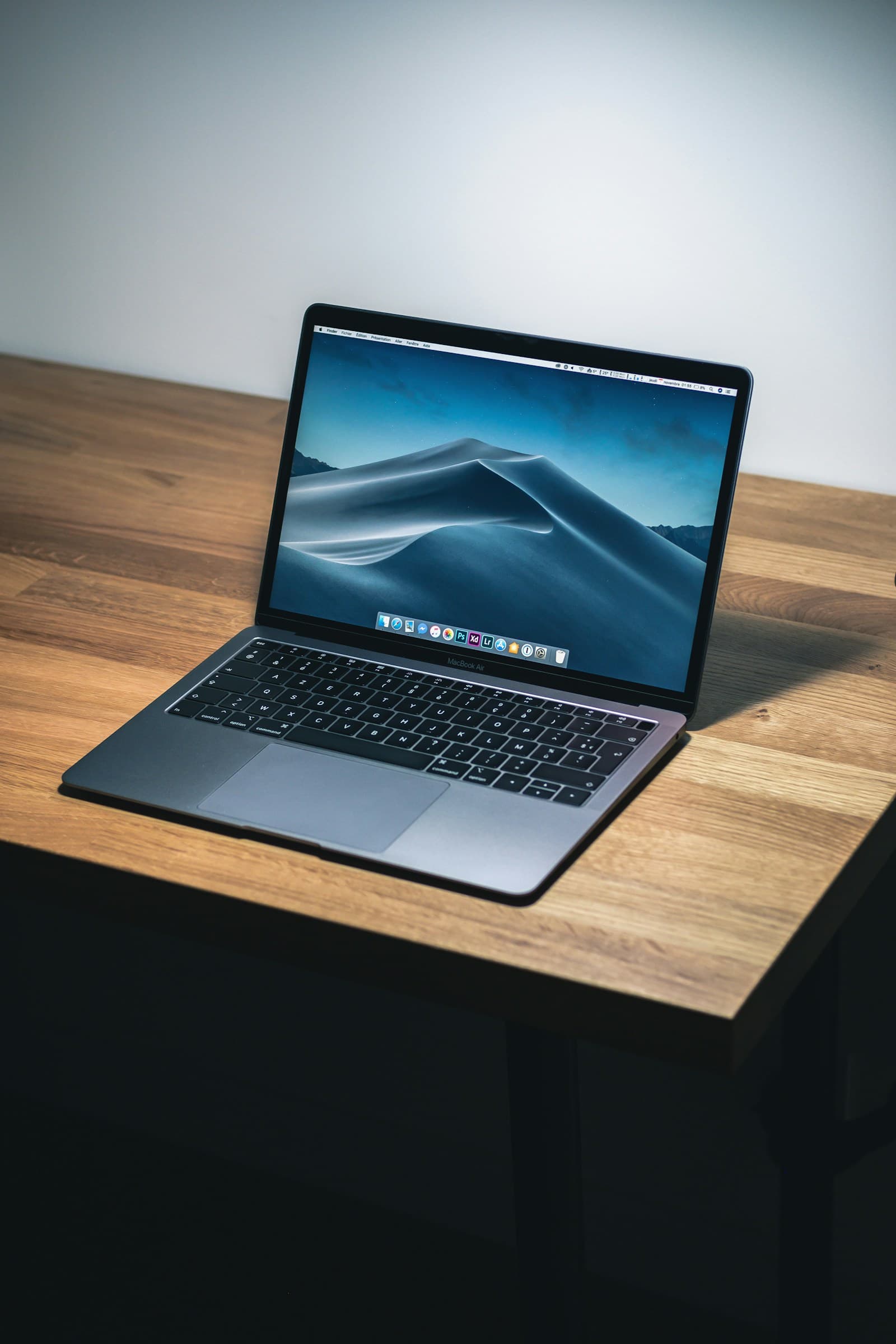
A laptop on a desk looks up your nose and makes you seem to be peering down at the screen. Stack the laptop on books until the camera is level with your eyes. Sit about an arm's length away, so the interviewer sees your head and shoulders, with a little space above your head.
Light your face, not the wall
The light should be in front of you, not behind. A window behind you turns you into a silhouette; a window in front of you, or a lamp beside the screen, shows your face. Check it by looking at yourself before the call and moving until you can see your eyes clearly.
Look at the camera, mostly
This is the hardest habit. On a video call you naturally look at the other person's face on the screen, which makes you look as if you are looking slightly down. When you are speaking, look at the camera lens, which is what feels like eye contact to the other person. When they are speaking, you can look at their face. A small sticker beside the camera helps. Do not try to do it perfectly: a few glances at the screen are normal.
Mind the background
A plain wall, a tidy shelf or a closed door is enough. Avoid anything that distracts: a bed, a pile of laundry, a moving fan. If you cannot find a quiet corner, a neutral blurred background can help, but test it first, because some blur effects flicker around your hair and hands.
Test everything the day before
Open the meeting link in advance if you can. Check that your camera and microphone work, that the app is updated, that your laptop is plugged in, and that you can sign in. Many problems only show up when you try, and finding out at the start of the interview costs you the first five minutes and your calm.
Have a plan for when it goes wrong
Connections drop. Before the interview, find out whether you were given a phone number or an email to use if something fails, and keep it open. If the call drops, reconnect straight away and say, calmly, where you were. Interviewers have seen it before and judge how you handle it more than the drop itself. If the picture freezes, say so and wait; do not talk into a frozen screen.
Keep notes where you can see them, but do not read
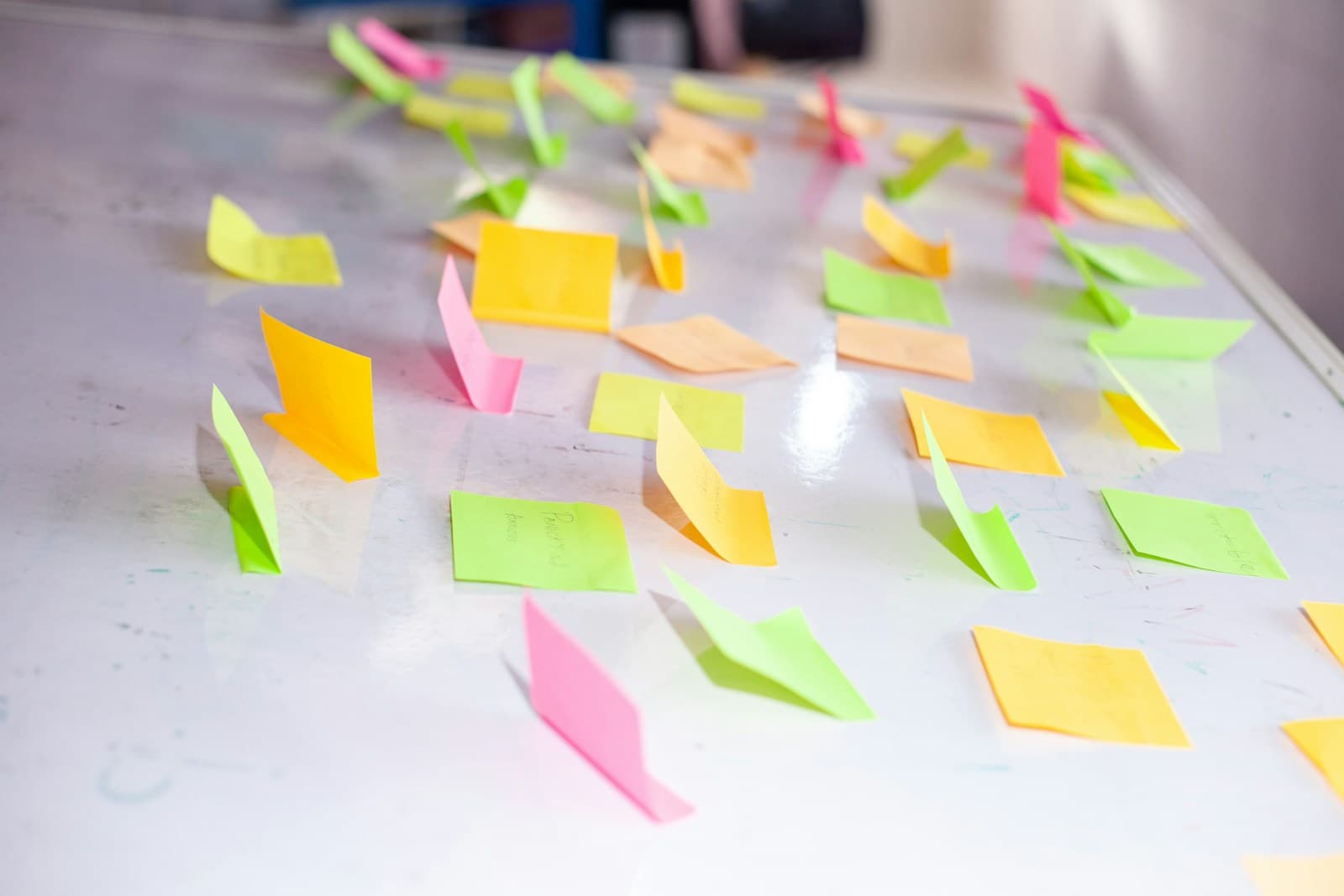
A few bullet points on a sticky note beside the camera are fine: the names of the people you are meeting, two or three stories you want to tell, and a question to ask at the end. Reading a script is obvious on camera, because your eyes move in a line. Notes are for jogging your memory, not for reading from.
Slow down a little
Video adds a small delay, and people talk over each other. Pause for a beat before you start, and again before you finish, so you do not cut anyone off. Speak slightly more slowly than you would in a room, and nod and smile so the interviewer knows you are listening, because they cannot read your body the way they would in person.
Practise on video, not only in your head
Most of this only becomes real when you do it. Practising answers in your head is not the same as saying them to a face on a screen with your camera on. A mock interview with an AI interviewer lets you rehearse the whole thing, including how you look and sound. Your camera stays on your device in the practice room here: it is never recorded or sent anywhere, and only you see it, so it is a safe place to find out whether your light and your framing work.
When you want to try it, start a practice interview, choose an interviewer and a length, and turn your camera on. Afterwards you can listen back to the audio from your report and hear how you sounded.